
Appearance
Job Types
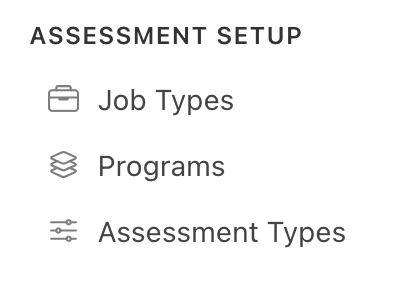
Navigate to Assessment Setup > Job Types to manage them.
Job Types define the different kinds of work your organization performs and the services it provides. Every assessment conducted through the Collect Portal is tied to a Job Type — making them the key to accurate reporting, pricing and scheduling.
An account can have as many Job Types as they require.
A Quick Example
Acme Property Services offers three core services:
Job Type Price Report Output Standard Home Assessment $150 Basic PDF Summary Wildfire Risk Inspection $300 Full WPH Readiness Report Follow-Up Treatment Review $75 Treatment Update Report Each of these is set up as its own Job Type in the Collect Portal. When an assessor is assigned a job, the system knows exactly which data to collect, which report to generate and which email to send to the client — all based on the Job Type selected.
The Job Types available in the system are listed in this view. They can be updated or archived from this view.
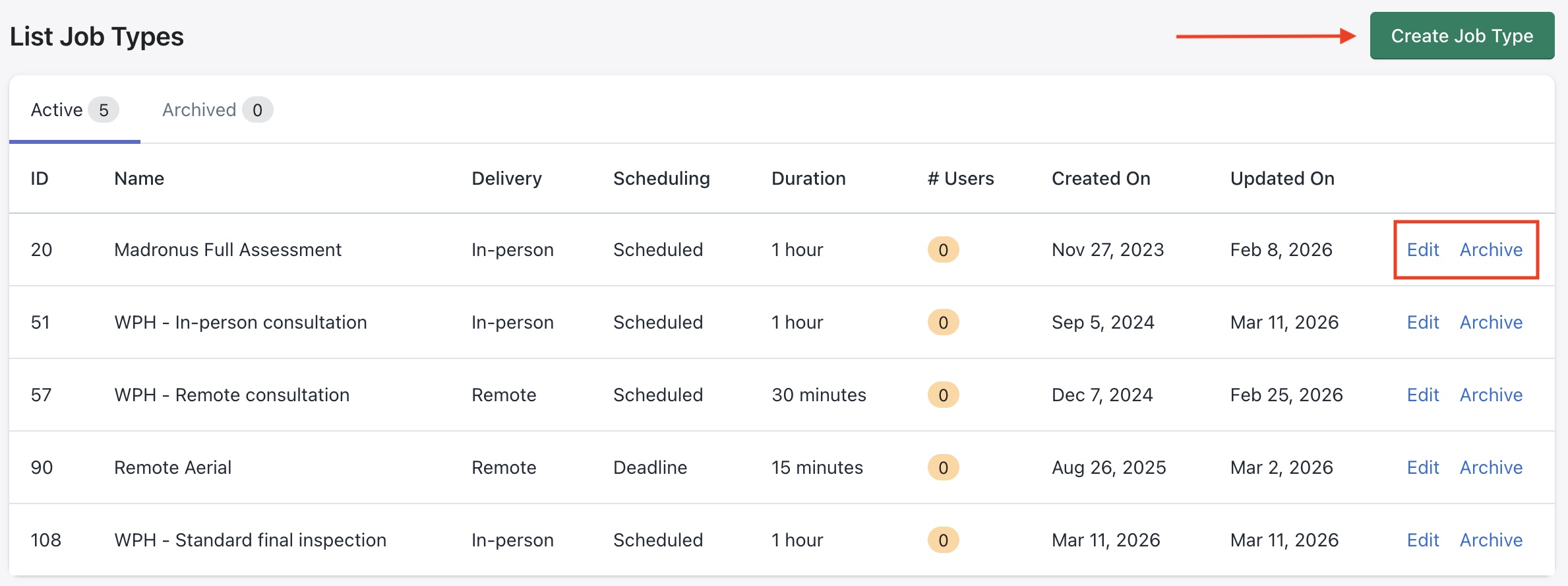
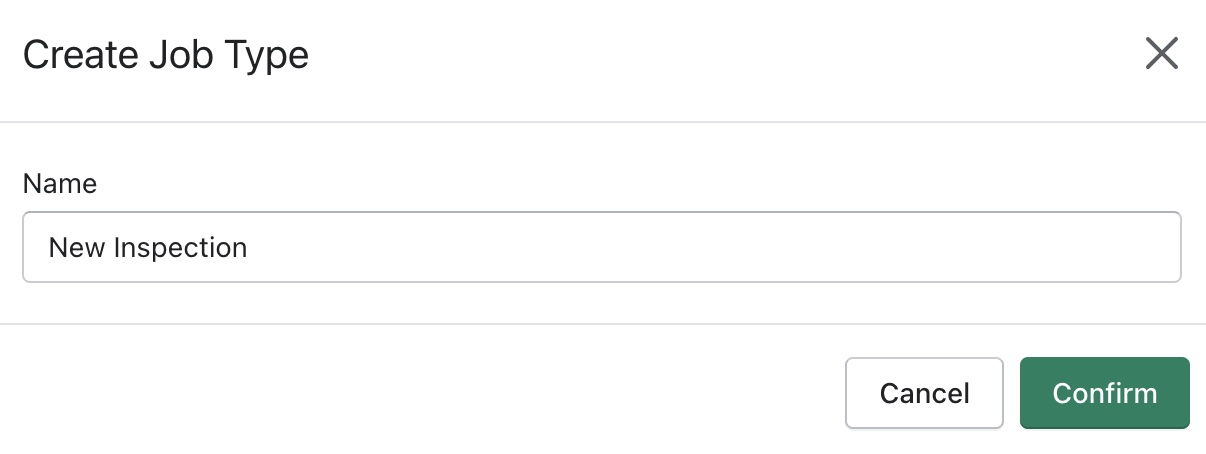
Click on Create Job Type to add a new item to this list.
Creating a new Job Type
When setting up a new Job Type, you configure several key areas, an example is shown below -
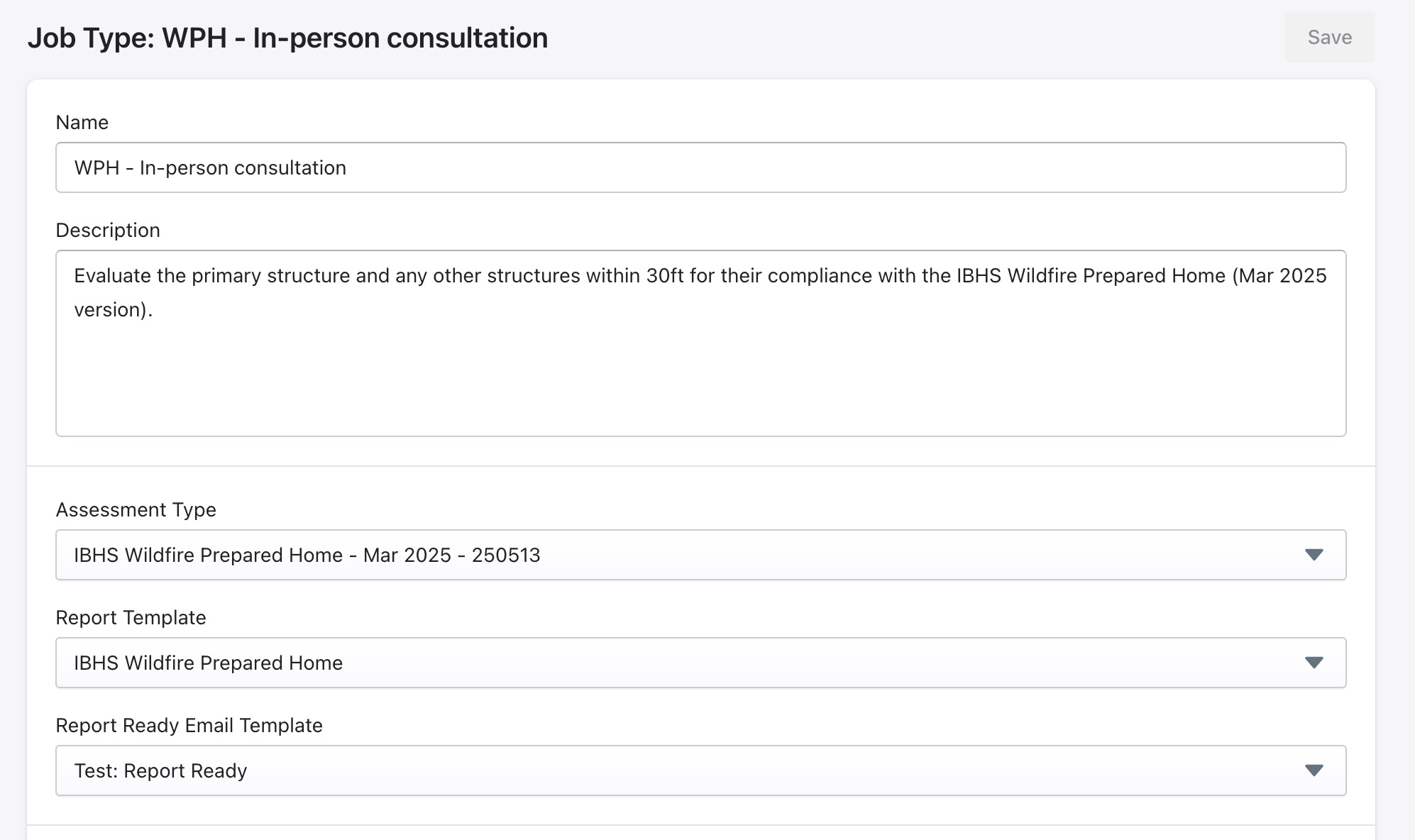
Basic Info
- Name: The display name for this job.
- Description: Internal description of the job's purpose. This description is shown to users in collect app, so they know what the expected scope of work is when they're on site.
Templates
- Assessment Type: Choose which data model this job uses.
- Report Template: Select the default design for the generated reports.
- Report Ready Email Template: Choose which email is sent when the report is ready.
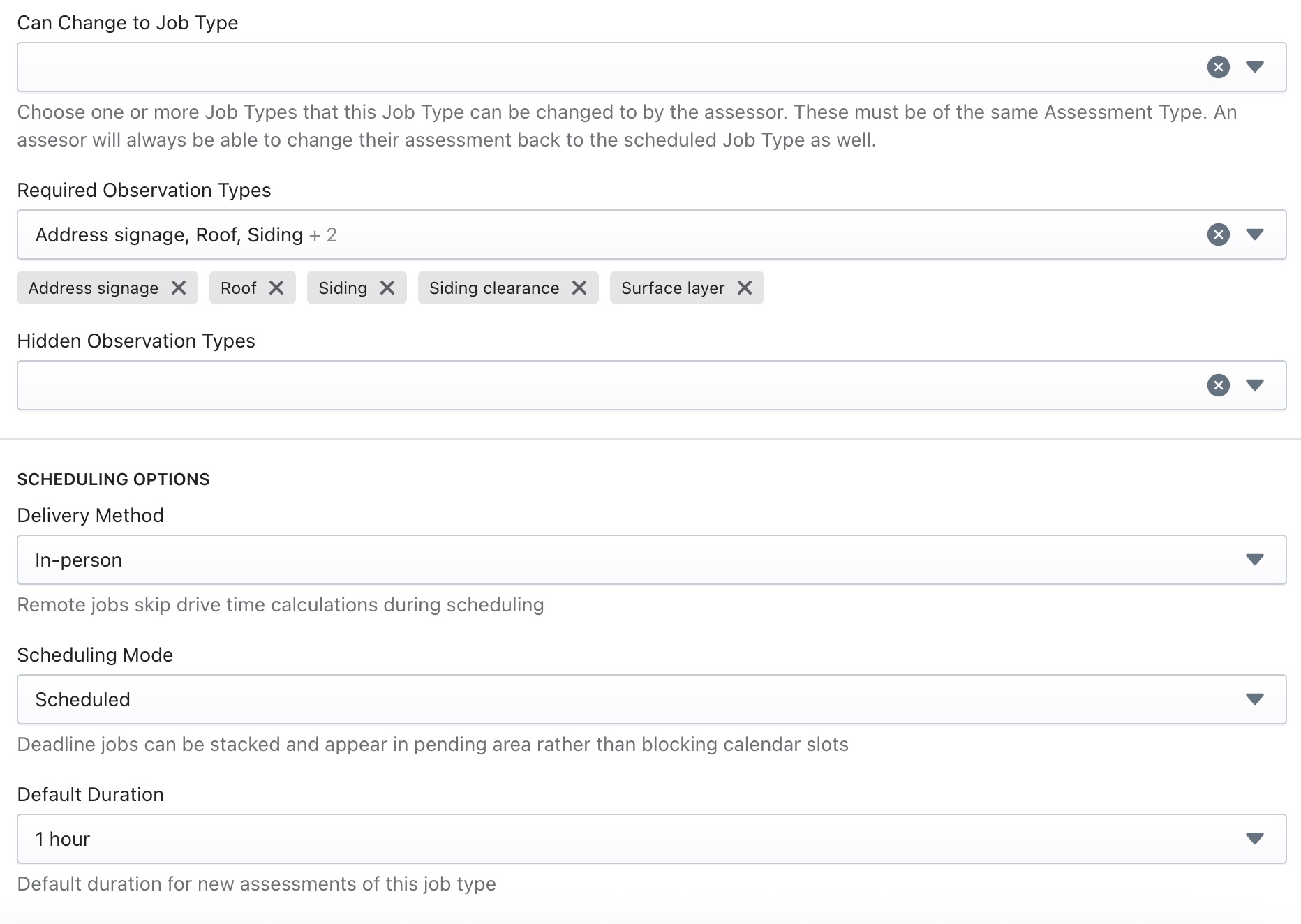
Configuration
- Can Change to Job Type: Choose one or more Job Types that this Job Type can be changed to by the assessor.
This can be useful for tracking conversion rates from one job to another. For example, if assessments are being conducted for an entire neighborhood, there can be two different job types, one for curbside, one for in person full walk around assessments. And then the conversion rate between the two as well as by assessor can be tracked.
- Required and Hidden Observations: Control which observation types are mandatory and hidden, respectively, for this job type.
Scheduling and User Options
- Delivery Method: Select in person or remote assessment.
- Scheduling Mode: Select scheduled for jobs to be scheduled at a specific time slot or deadline for jobs to be completed by a set date.
- Default Duration: Estimated time the assessment takes.
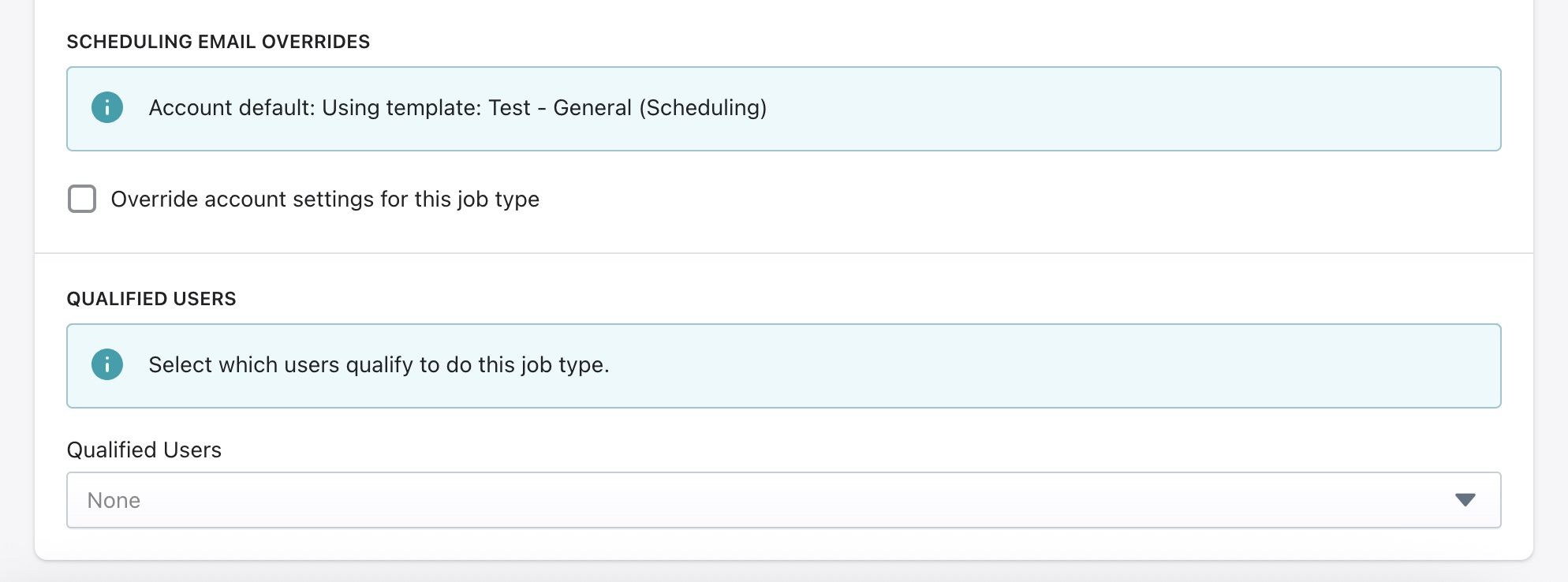
- Scheduling Email Overrides: If this checkbox is checked, the user can select a different scheduling email template and reminder duration, overriding the account settings
- Qualified Users: Restrict this job type to specific assessors who have the necessary training or certifications.
Good to know
Getting Job Types right from the start saves a lot of time down the line. Well-configured Job Types mean assessors always know what to collect, clients always get the right report and admins can track performance and revenue accurately across every service the organization offers.