
Appearance
General
Navigate to Settings > General
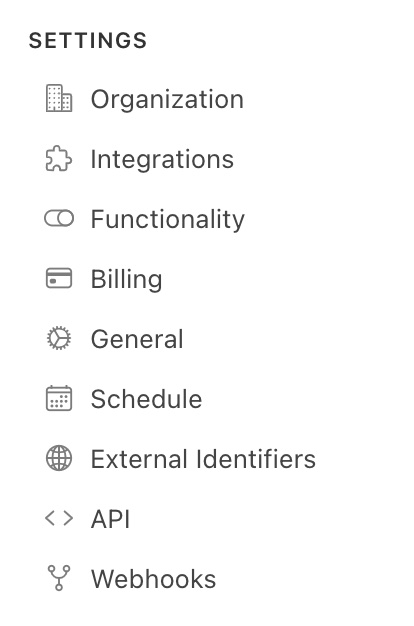
The General Settings page controls organization-wide configuration including default URLs, email sending behavior, device storage rules and external identifier display options. Click Update Account Settings to save any changes.
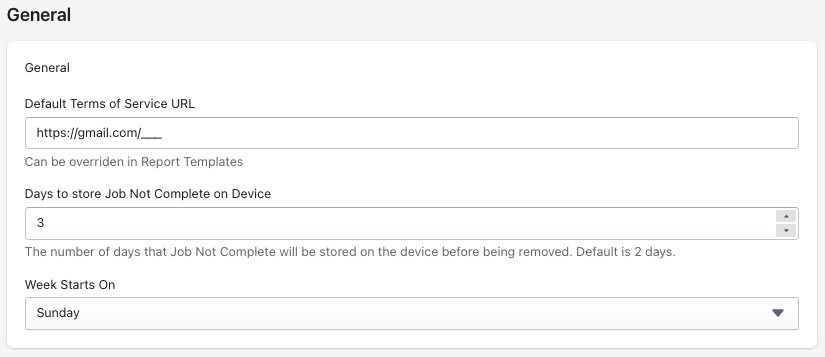
General
| Field | Description |
|---|---|
| Default Terms of Service URL | The default ToS link can be replaced here |
| Days to store Job Not Complete on Device | The number of days an incomplete job is stored on the device before being automatically removed |
| Week Starts On | Sets the first day of the week used in calendar and scheduling views (e.g. Sunday) |
Emails
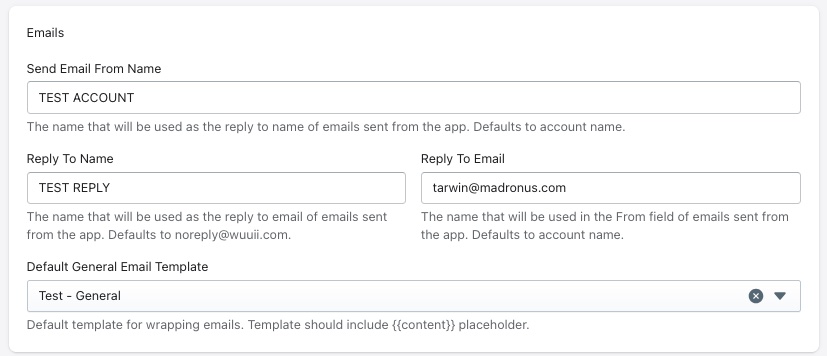
| Field | Description |
|---|---|
| Send Email From Name | The sender name displayed on emails sent from the portal |
| Reply To Name | The name associated with the reply-to address on outgoing emails |
| Reply To Email | The email address associated with the reply-to address on outgoing emails |
| Default General Email Template | The default template used for outgoing emails |
Assessment External Identifier
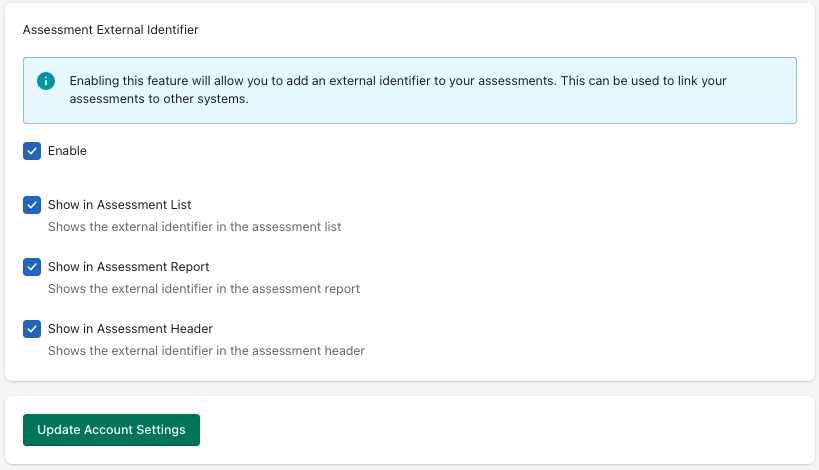
| Field | Description |
|---|---|
| Enable | Activates the external identifier feature for assessments |
| Show in Assessment List | Displays the external identifier as a column in the assessment list |
| Show in Assessment Report | Displays the external identifier within the assessment report |
| Show in Assessment Header | Displays the external identifier in the assessment header |