Appearance
Calendar
In the navigation panel on the left-hand side of the screen, under the Assessments menu, Calendar displays the scheduled assessments and assessor availability in a calendar view.
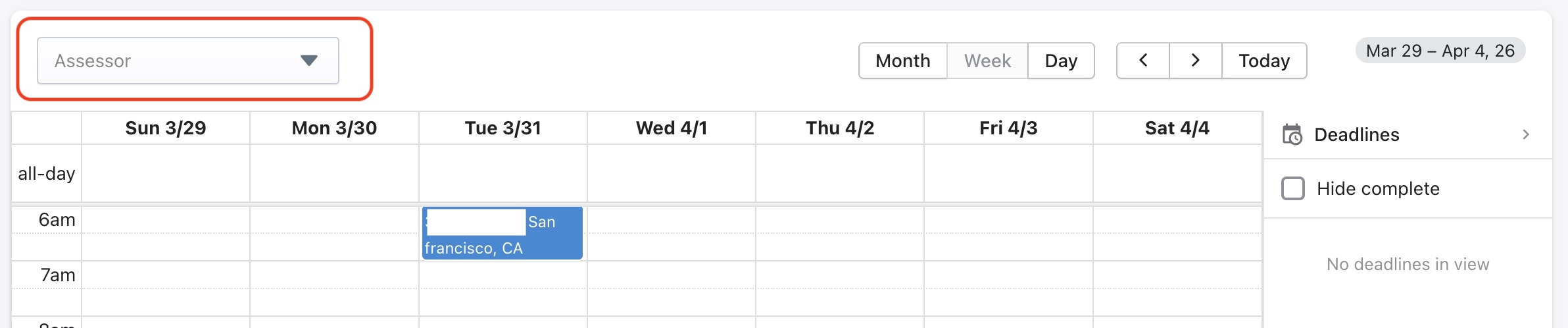
Calendar view can be filtered for an assessor using the Assessor filter in the top left corner of the view. The scheduled assessments can also be viewed for a month, a week or one day.
The deadline type of jobs are excluded from this view. To view them, click on Deadlines in the top right-hand corner of this window.
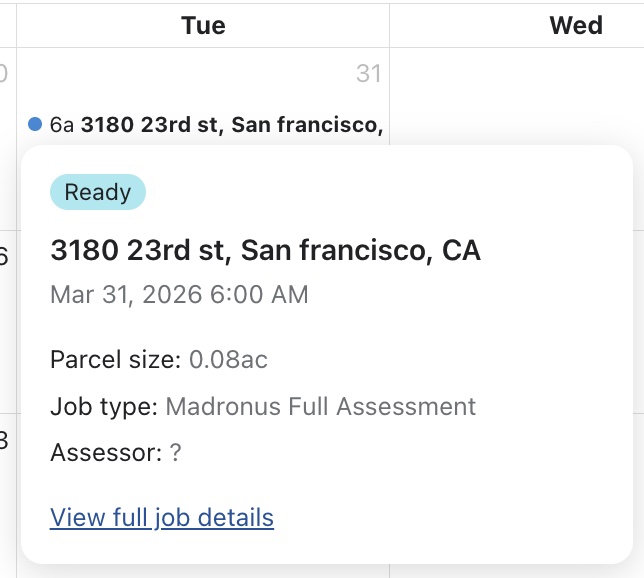
Clicking on a scheduled job will allow the user to select "View full job details" as shown below to review the scheduled assessment in detail. For more info on the different tabs in this view, refer to Assessments.