Appearance
Preferences
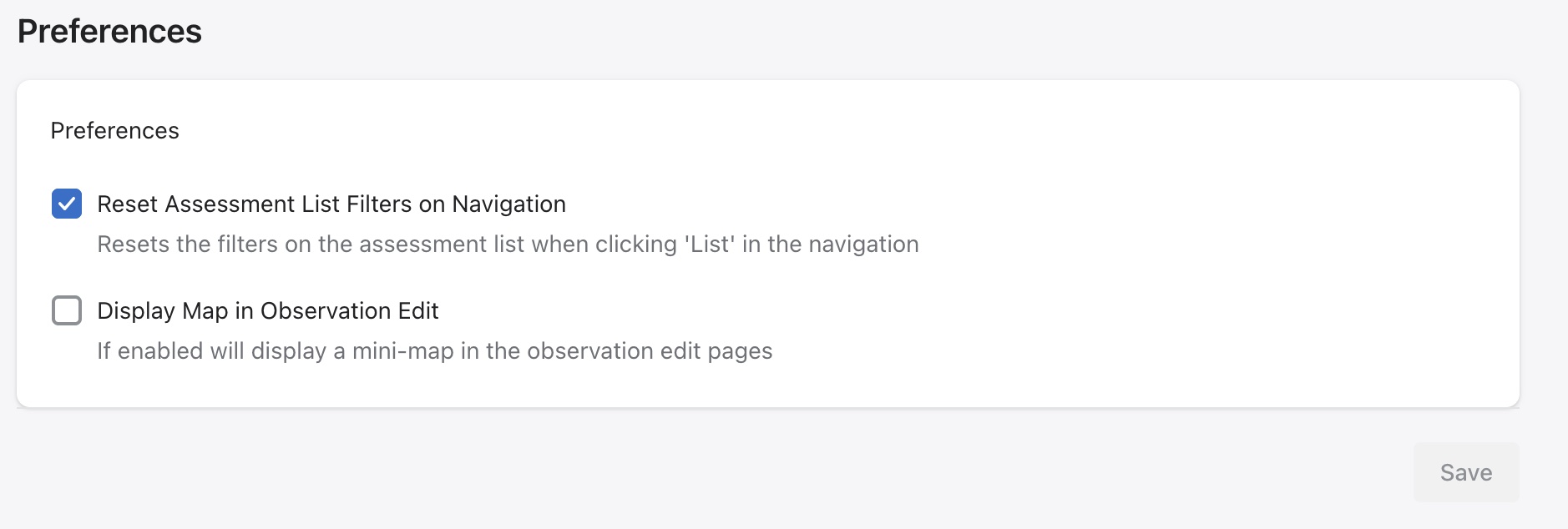
The user is able to modify their preference for the assessment list filter and map setting for observations from this view.
If the Reset Assessment List Filter on Navigation checkbox is unchecked, the system will remember the user settings for the List page. For example, if a user sets the page to display 25 records and defaults to the In-Progress tab, the system will retain these preferences and apply them automatically each time the List page is loaded.
When Display Map in Observation Edit is enabled, a mini map is displayed when viewing observations recorded within an assessment.