Appearance
Observations Report
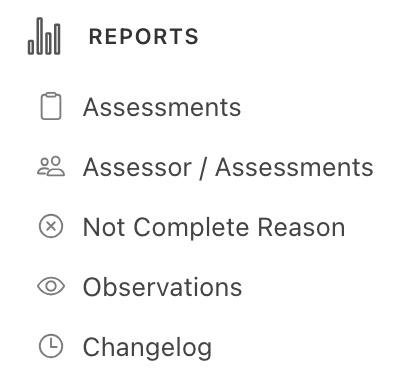
In the Reports menu, click on the Observations Report -
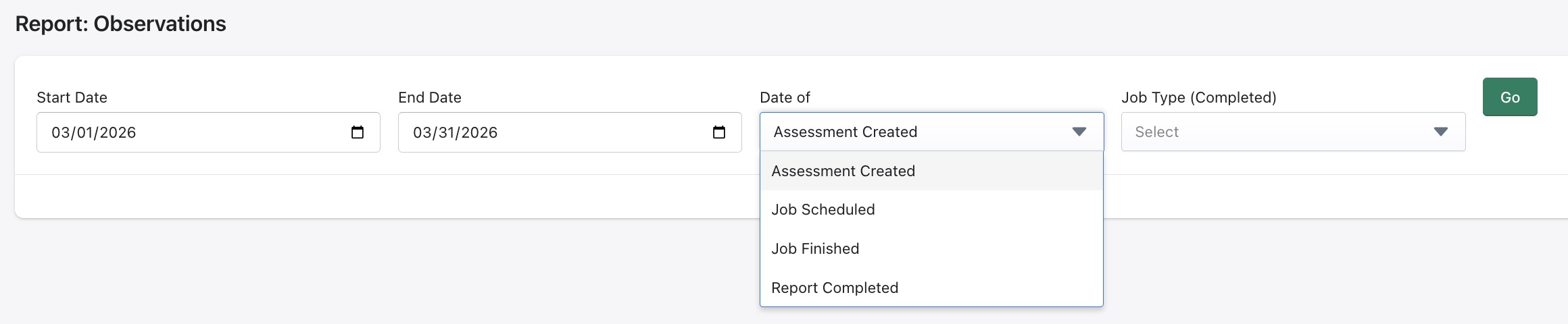
This report shows the user the observation list from assessments in the system for a selected date range. There are two filters,
- Date of - This could be the date of assessment created, job scheduled/ finished and report completed.
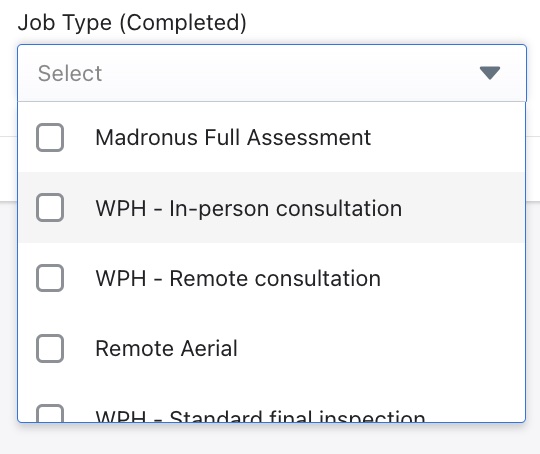
- Job Type (Completed) - This filter looks for completed assessments in the system accross the various job types that have been configured in the system according to the services an organization provides. If no Job Type is selected, the report will display all Job Types configured in the system.