
Appearance
Assessor / Assessments Report
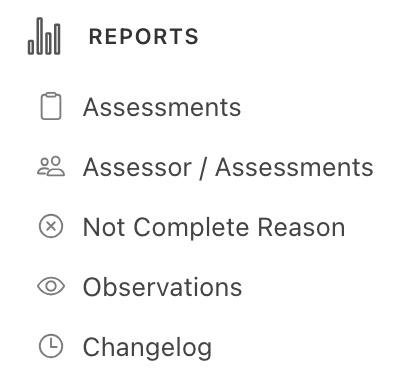
In the Reports menu, click on the Assessor/ Assessments Report -
This report shows the user the number of assessments per assessor that have acheived "Job Complete" status. Users may need to scroll to the right in the report window to view all columns.
The other parameters in the report are listed below -
- Num. Assessments
- Num. Observations
- Num. Media
- Avg. Observations Per Assessment
- Avg. Media Per Observation
- Avg. Media Per Assessment
- Num. Non-Completed Jobs
- Num. Completed Jobs
