Appearance
Navigating the Collect Portal
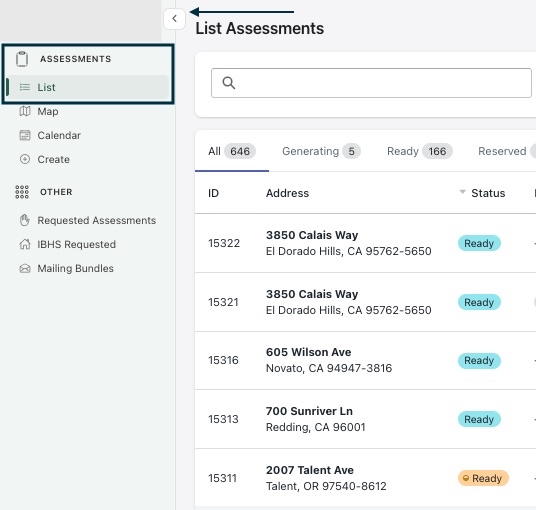
When users are logged into the Collect Portal, they are brought to a list of assessments. Users can use the navigation panel on the left-hand side of the screen using the sidebar icon to access other menu options.
Lets take a look at the List menu under Assessments to start.